Added DDNS monitoring
So my WAN IP changed and I wanted to get Pushover alerts when that happens so:
- Go to 'Services' then 'Monit' in the OPNSense web GUI
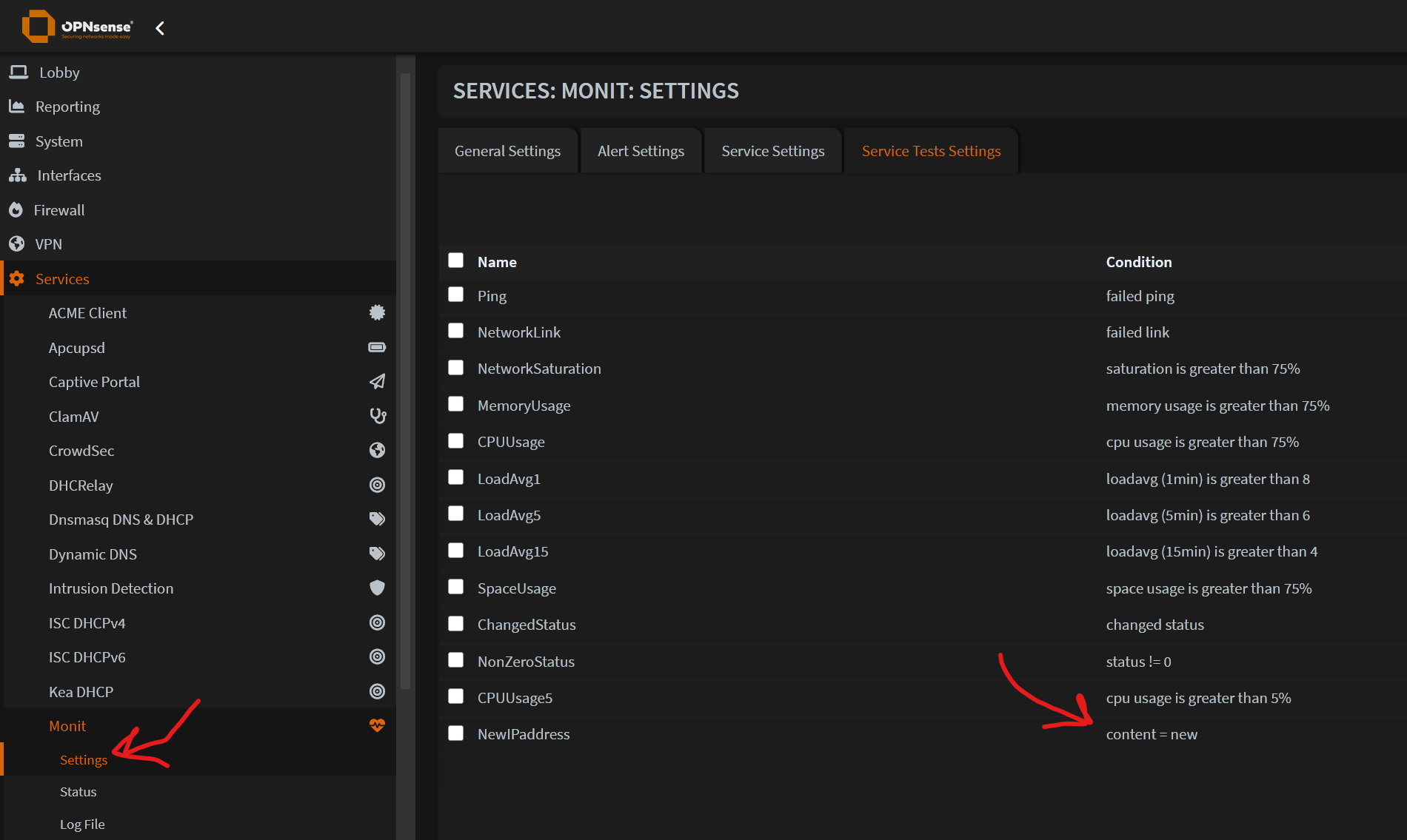
- Create a new 'service test setting' that just says 'content = new'
- Then create a new 'service setting' called DynDNS_NewIPaddress or similar
- Set it to 'File' monitoring with /var/log/ddclient/latest.log as file to be monitored
- Link the test from step 2 ( which looks for the string 'new' in the ddclient logfile )
- Save the settings and check the Status page ( under the Monit menu )
NOTE: Check the Log File view for errors if it doesn't save/start properly - Finally test it by reloading the WAN interface under 'Interfaces' then 'Overview' 😀